
El futuro de los pedidos de comida, paquetes,mandados, abarrotes, taxis y más
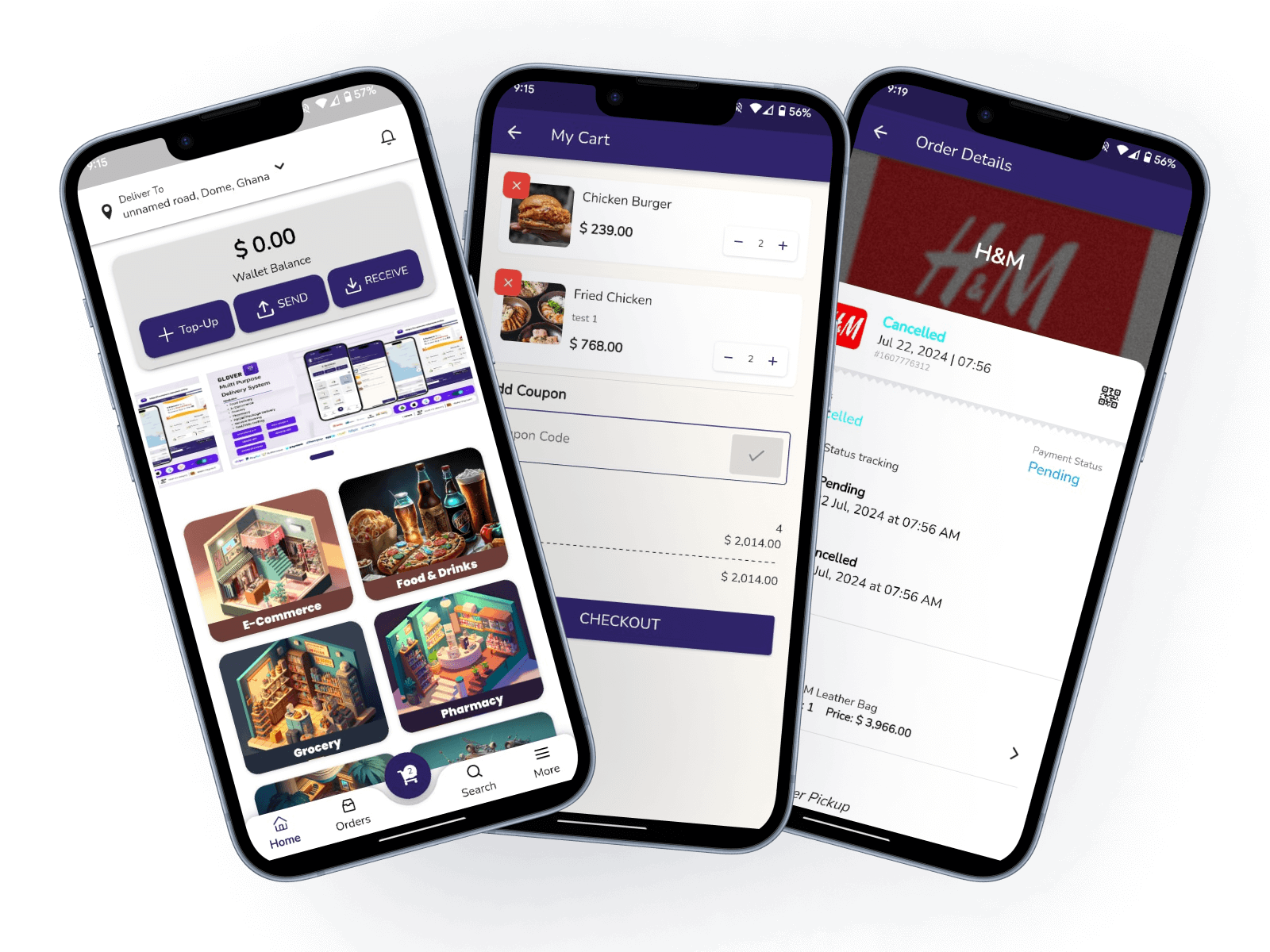
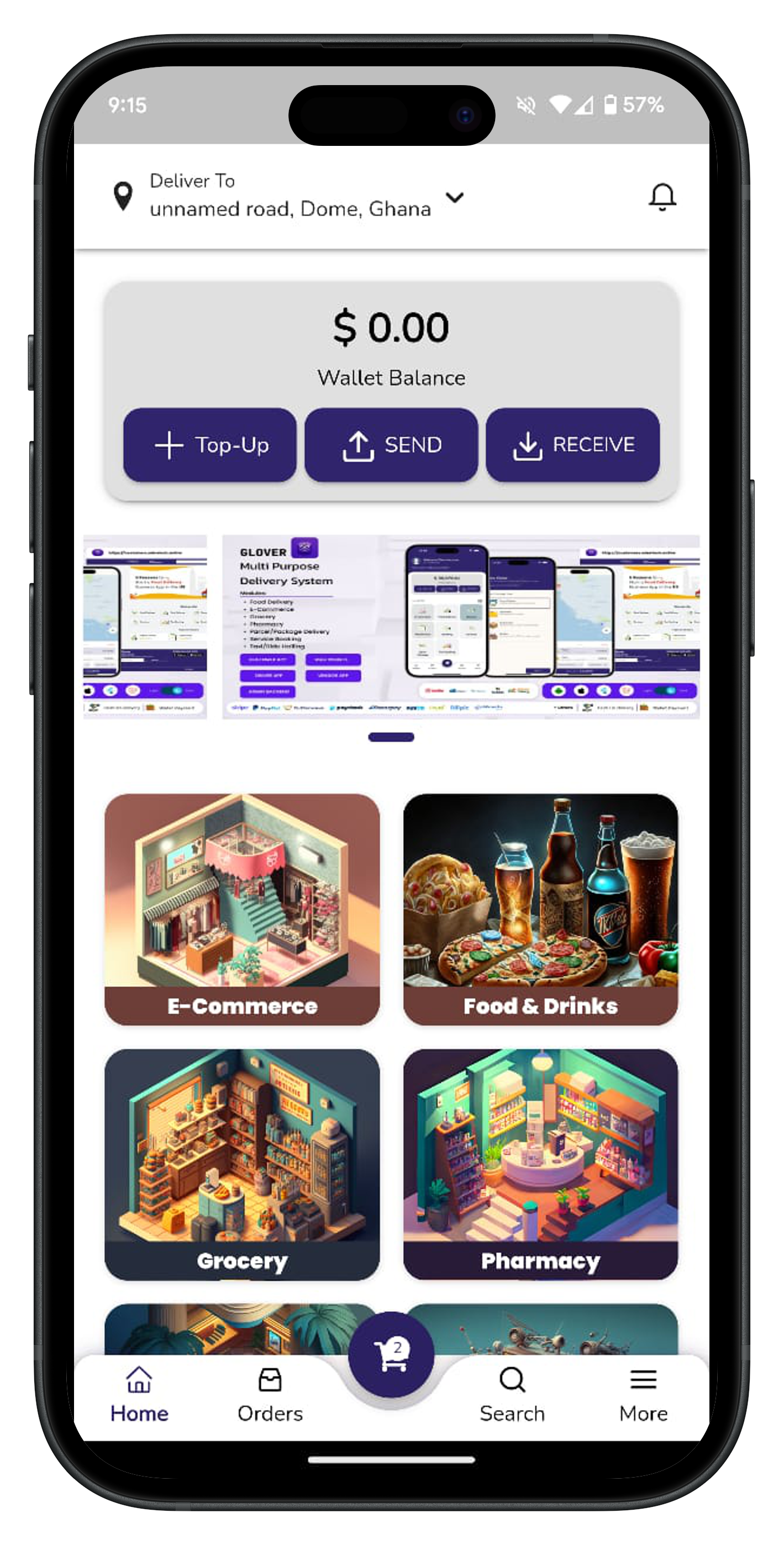
ColoTiendas es una aplicación de entrega multiservicio que te permite pedir comida, paquetes, comestibles, taxis y más de tus tiendas y restaurantes locales favoritos.
El futuro de los pedidos de comida, paquetes,mandados, abarrotes, taxis y más
ColoTiendas es una aplicación de entrega multiservicio que te permite pedir comida, paquetes, comestibles, taxis y más de tus tiendas y restaurantes locales favoritos.
ColoTiendas, tu súper aplicación de referencia
Descubra las potentes funciones que hacen de ColoTiendas su súper aplicación ideal para todas sus necesidades diarias, desde alimentos, paquetes, comestibles, taxis y más.

Realizar pedidos
Disfruta de tus comidas favoritas de restaurantes locales, entregadas directamente a tu puerta. Elige entre una amplia variedad de cocinas y restaurantes para satisfacer cualquier antojo.

Entrega Rapida
Reciba artículos entregados más rápido y con facilidad en su puerta.

Más barato y mejor
Solicitar un artículo no debería ser costoso, con menos dinero aún puedes obtener un artículo de calidad de Glover.
Join Us Today
Reparte con nosotros
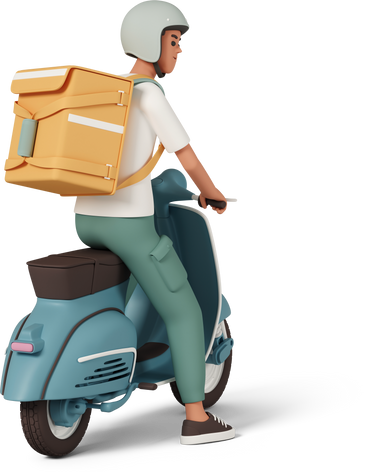
¡Únete al equipo de ColoTiendas y forma parte de nuestra creciente comunidad de conductores! Como conductor de ColoTiendas, disfrutarás de flexibilidad, ingresos competitivos y la satisfacción de brindar un valioso servicio a tu comunidad.
Beneficios
Control total de tu vehículo
Elige tus entregas
Elige tu propio horario
Navegación precisa
Pagos fáciles y rápidos
Cómo funciona
Recibe solicitudes de entrega directamente en la app
Recoge y entrega los pedidos a los clientes
Consulta tus ganancias y sigue tu progreso
Opciones de pago rápidas
¿Listo para unirte? ¡Regístrate ahora y comienza tu aventura con ColoTiendas hoy mismo!
Vende con nosotros
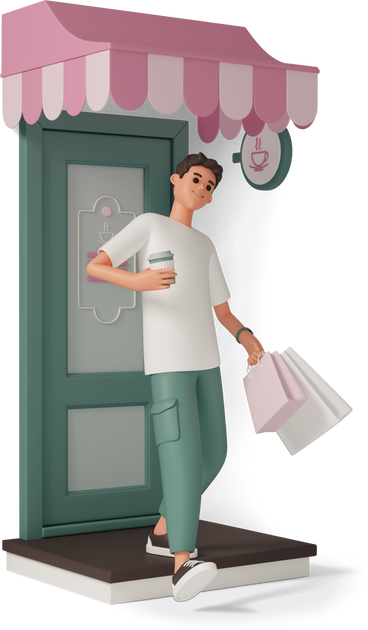
¡Únete al equipo de ColoTiendas y forma parte de nuestra creciente comunidad de conductores! Como conductor de Glover, disfrutarás de flexibilidad, ingresos competitivos y la satisfacción de brindar un valioso servicio a tu comunidad.
Beneficios
Control total de tu vehículo
Elige tus entregas
Elige tu propio horario
Navegación precisa
Pagos fáciles y rápidos
Cómo funciona
Recibe solicitudes de entrega directamente en la app
Recoge y entrega los pedidos a los clientes
Consulta tus ganancias y sigue tu progreso
Opciones de pago rápidas
¿Listo para unirte? ¡Regístrate ahora y comienza tu aventura con ColoTiendas hoy mismo!

About Us
En ColoTiendas, creemos en simplificar y facilitar la vida. Como una superapp integral, ColoTiendas integra entrega de comida, servicios de paquetería, compras de supermercado y solicitud de taxis en un solo lugar, garantizando que tengas acceso a servicios esenciales al alcance de tu mano.
Nuestra misión es conectar comunidades a través de tecnología innovadora, brindando acceso fluido a los servicios cotidianos. Nos esforzamos por ofrecer soluciones confiables, eficientes y de alta calidad que satisfagan las diversas necesidades de nuestros usuarios.
Contact Us
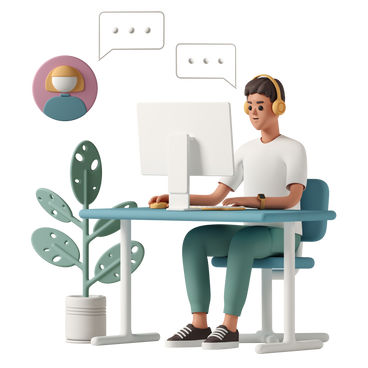
Siempre estamos aquí para ayudarte con cualquier duda o inquietud. Si necesitas ayuda con nuestros servicios, tienes algún comentario o simplemente quieres ponerte en contacto con nosotros, puedes hacerlo a través de los siguientes canales:
¿Tienes preguntas o comentarios? ¡Estamos aquí para ayudarte! Ponte en contacto con nuestro equipo de atención al cliente en info@colotiendas.com o llámanos al +52 3317742619.
Tu satisfacción es nuestra prioridad y nos comprometemos a brindarte el mejor servicio posible. ¡Gracias por elegir ColoTiendas!
FAQs
Need help? Check out our FAQs to find answers to your questions.
How do I create an account?
Creating an account is easy and free!
Just download the Molina Market app from your app store, open it, and tap on "Sign Up"/"Become A Partner" button on the login page/screen.
Fill in the required information, including your email address and a secure password, then follow the instructions to verify your email.
Once verified, you can start using all the features Molina Market has to offer.
How do I place an order?
Ordering first is really easy. Just follow these steps:
Follow the steps required for each option and once you’re finished, a courier will accept your order and deliver it in minutes.
What can I order?
You can buy and receive products as well as send deliveries or express messages within your city.
Want us to go to the pharmacy for you?
Need to buy a pair of shoes?
Want something to eat?
Need to ship a package?
We mean it: Anything you want, delivered in minutes.
How do I find what I want?
At the bottom of your screen, there's a search bar that lets you find any product or establishment in your city.
How do I withdraw my earnings?
To withdraw your earnings, simply navigate to the "Earnings" section of the app.
From there, you can view your available balance and choose a withdrawal method, such as bank transfer or payout account info.
Follow the on-screen instructions to complete the withdrawal process.
Please note that there may be minimum withdrawal thresholds and processing times associated with each withdrawal method.
Are there any fees associated with withdrawing my earnings?
The driver app does not charge any fees for withdrawing your earnings. However, please be aware that third-party payment processors, such as banks, may impose their own fees.
Make sure to review their terms and conditions for any applicable charges.
How do I deliver an order to the customer using the driver app?
When you receive a new order, you will be provided with the customer's delivery address and any special instructions.
What should I do if I encounter any issues during the delivery process?
If you encounter any issues, such as difficulty locating the customer or items missing from the order, please use the in-app messaging or call the customer directly to resolve the issue.
If you're unable to complete the delivery for any reason, contact support for assistance.
How do I go online to start receiving orders?
To go online and start receiving orders, simply toggle the "Online" switch within the driver app.
Once you're online, you'll begin receiving order requests based on your availability and location.
Make sure to have your vehicle ready and be prepared to accept orders.
How do I go offline to stop receiving orders?
If you need to take a break or stop receiving orders temporarily, toggle the "Offline" switch within the driver app. This will prevent you from receiving new order requests until you go back online.
You can go offline at any time, but please ensure that you're not currently fulfilling an active order when doing so.